Creative Book Builder can generate HTML5 books that can be viewed in any browser or Creative Book Reader. There is a new service called Static.app which provides one-click solution for static website. It is super easy to publish your books online using Static.app for FREE. You can just send the link to anyone for viewing in the browser.
How to host your books using Static.app:
1. Open Creative Book Builder to export your book as HTML5 book in zip file format
2. Go to static.app and create an account if you do not have
3. Upload zip file
4. Change title (also change subdomain if you want)
5. Finally, browse your book
Here is the demo:
If you want to use custom domain, you can consider to join Static.app's yearly plan or monthly plan.
OneEdit makes batch image processing, filtering, merging & uploading easier. OneEdit executes multiple editing and exporting tasks on multiple photos at ONE time.
New Features
1. Remove background
2. More filters
3. Add photos from history
4. Reorder photos using orientation (portrait first or landscape first)
5. Shuffle photos in photo list
6. Edit Task List: insert after or insert before (swipe right or long press)
7. Export Task List: insert after or insert before (swipe right or long press)
8. Preview export tasks: merge to pdf, merge to montage, generate animated gif
9. More options for montage: 2, 3 or 4 columns, and add grid lines
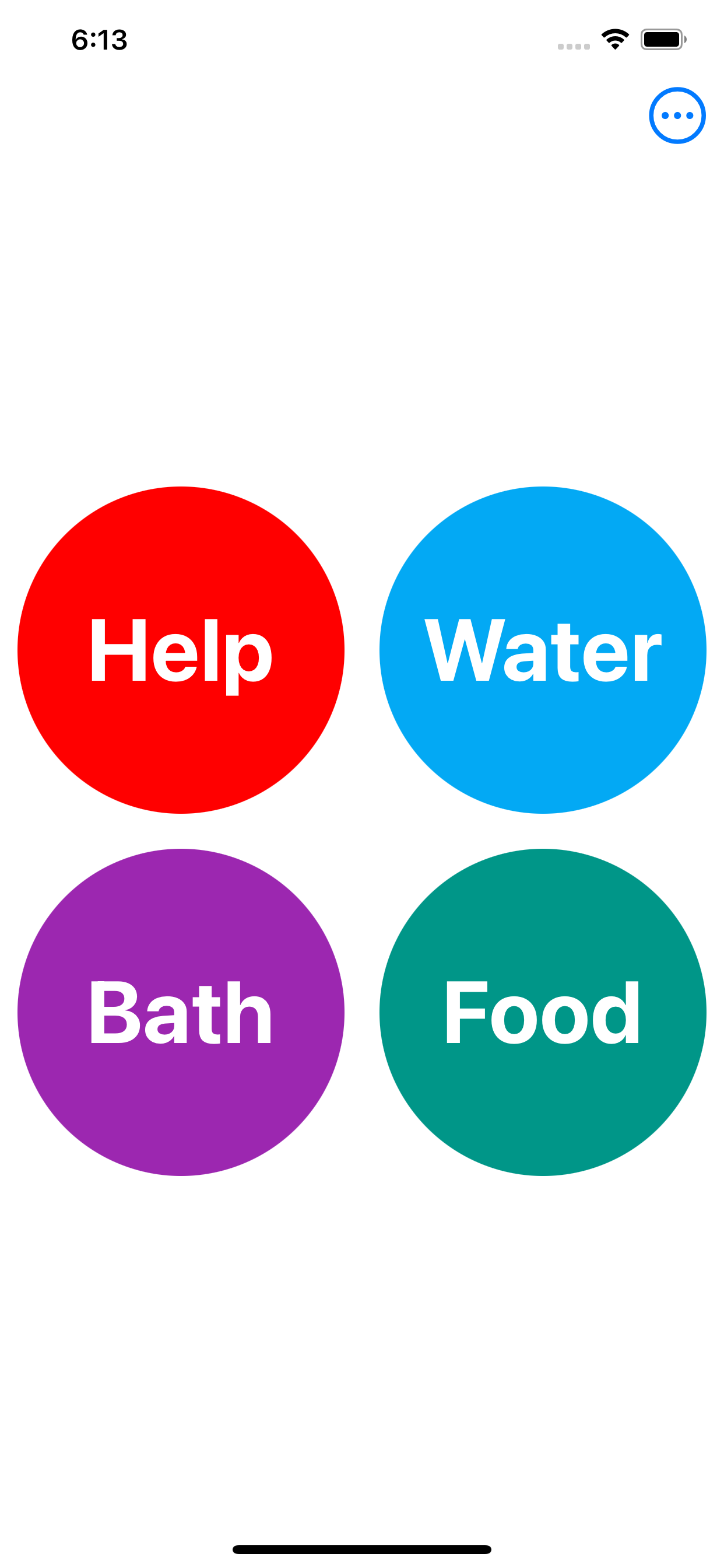
MingKi is an urgent request messaging app for anyone who needs help from their family
and
friends. It is specifically designed for elderly people, dementia patients and those who are not
familiar with smartphone.
When they
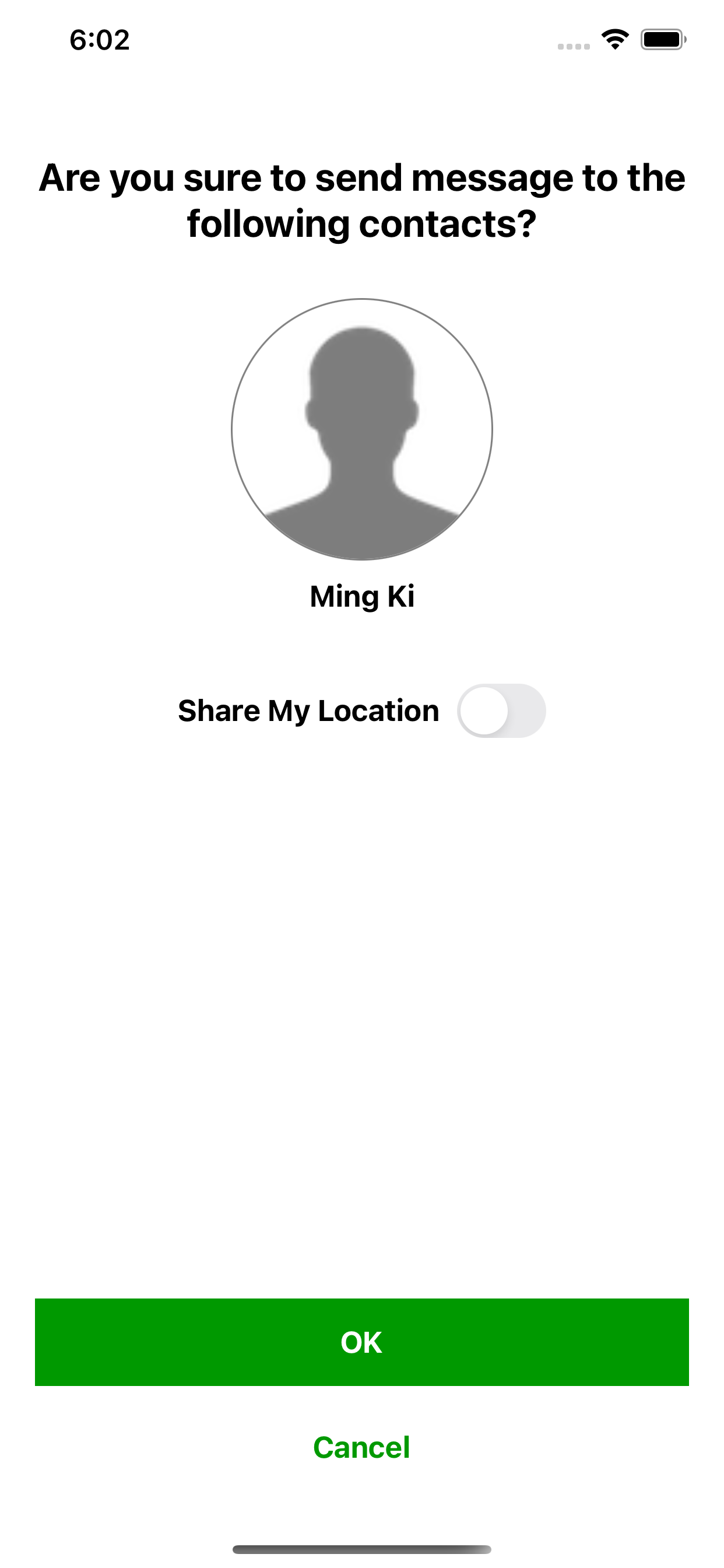
just tap a button, the corresponding contacts will receive notifications and then go to help them
immediately.
Minimal Interface: there are just buttons on the screen. For the sender, just tap a button and a
message is
sent.
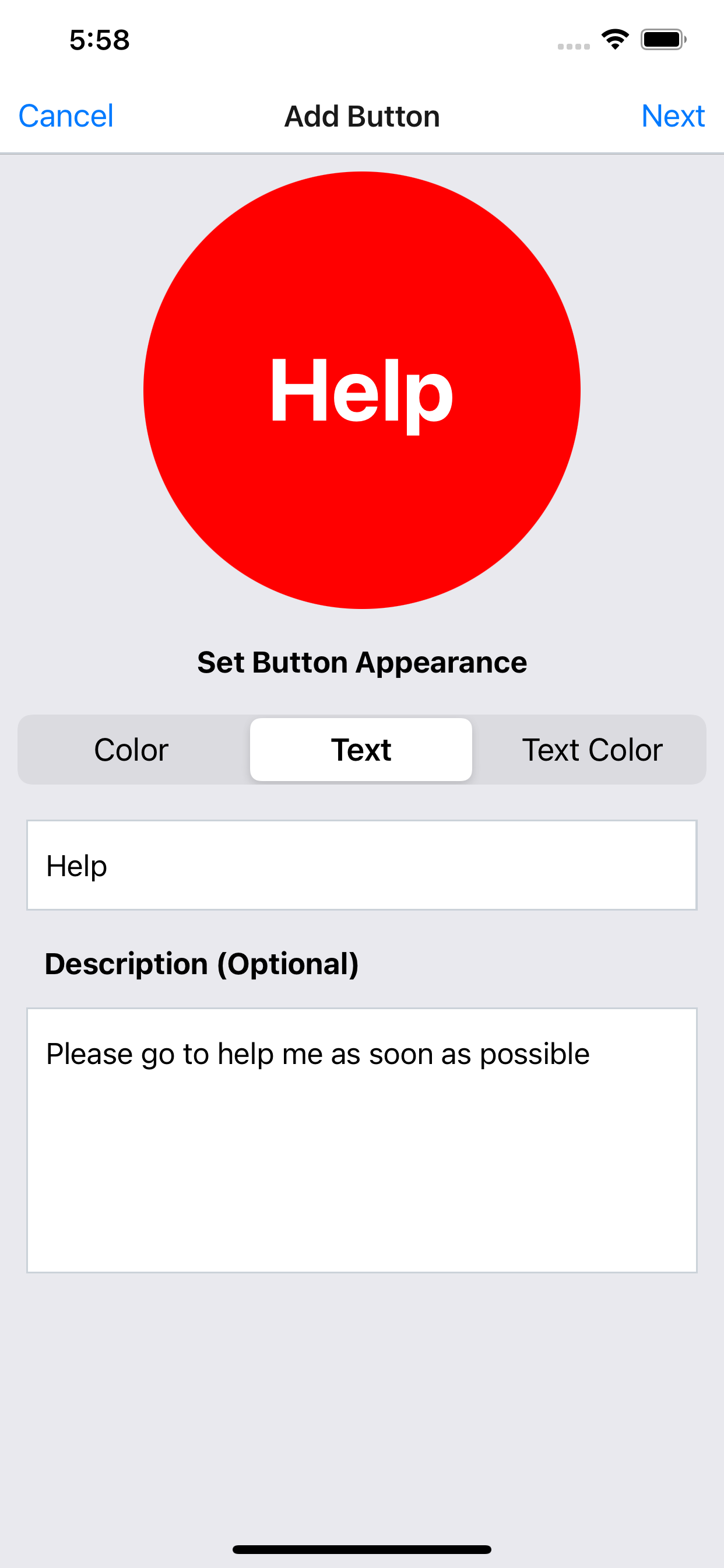
The color, text and text color on the button can be customized.
Description can be added to the button for further explanation which is optional.
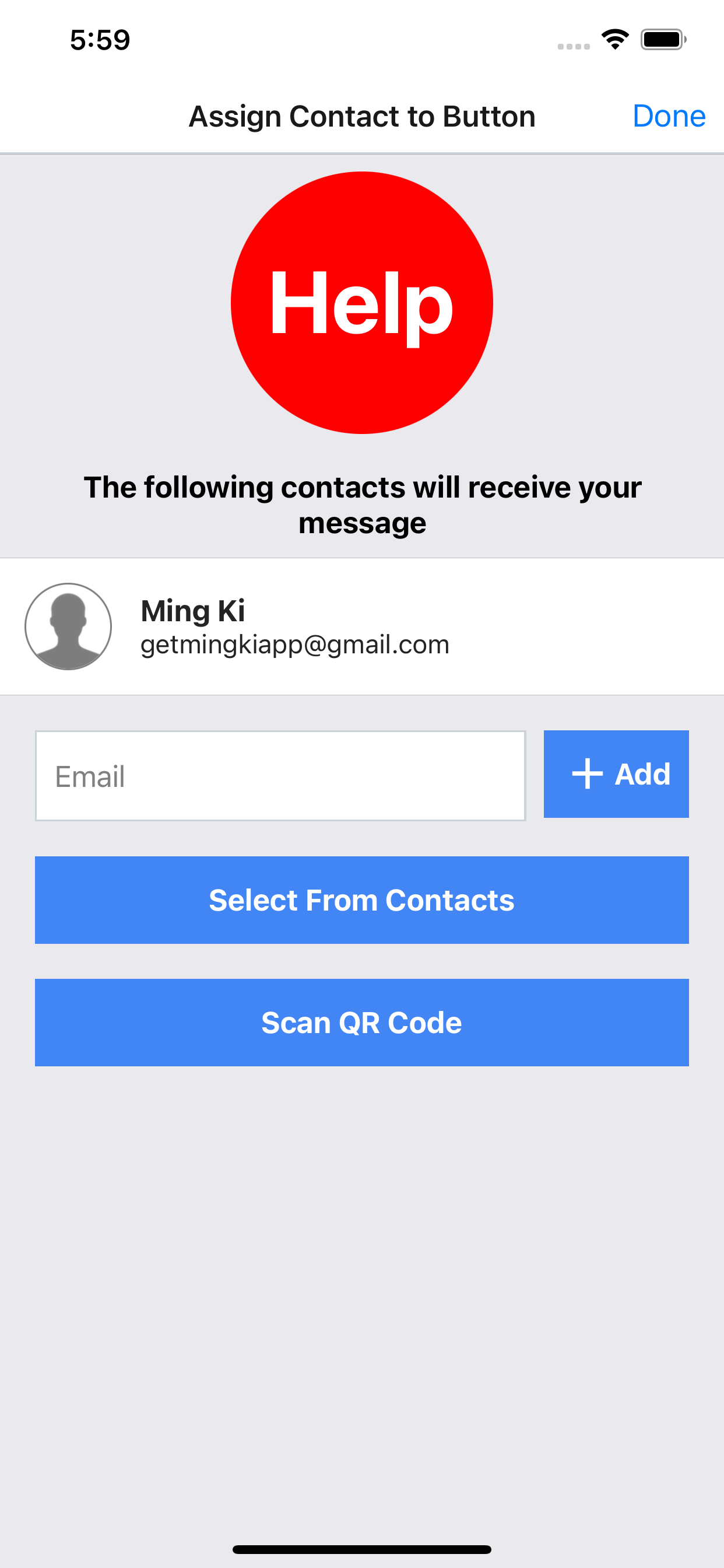
The contacts can be assigned to each button to receive notification and message.
OneEdit makes batch image processing, filtering, merging & uploading easier. OneEdit executes multiple editing and exporting tasks on multiple photos at ONE time.
New features:
1. Edit original filename & title:
- before executing batch job
- before uploading
- in history
2. Consistent UI for changing original filename or title
3. Grouping:
- group photos by setting number of photos for each group
- execute merge tasks (merge to pdf, merge to montage, generate animated gif, generate zip) on each group, e.g. merge to pdf for each group instead of all photos
4. Reordering:
- sort photos by original filename, title, file size, width and height
5. Image overlay interface
- scale image to position smaller logo more accurately
- editing handle is hidden if logo is too small in order to move logo easier
6. Place ordering number on the image
7. Better date time format for filename and text overlay
8. Select background or image overlay from Unsplash and Flickr